








Send error tracking alerts
Contents
To stay on top of issues, you can set up alerts. These enable you to post to Slack, Discord, Teams, or an HTTP Webhook when an issue is created or reopened.
Issue created or reopened
To alert when an issue is created or reopened, go to error tracking's configuration page and click Alerting. This shows you a list of existing alerts. Clicking New notification brings you to a page to create a new one.
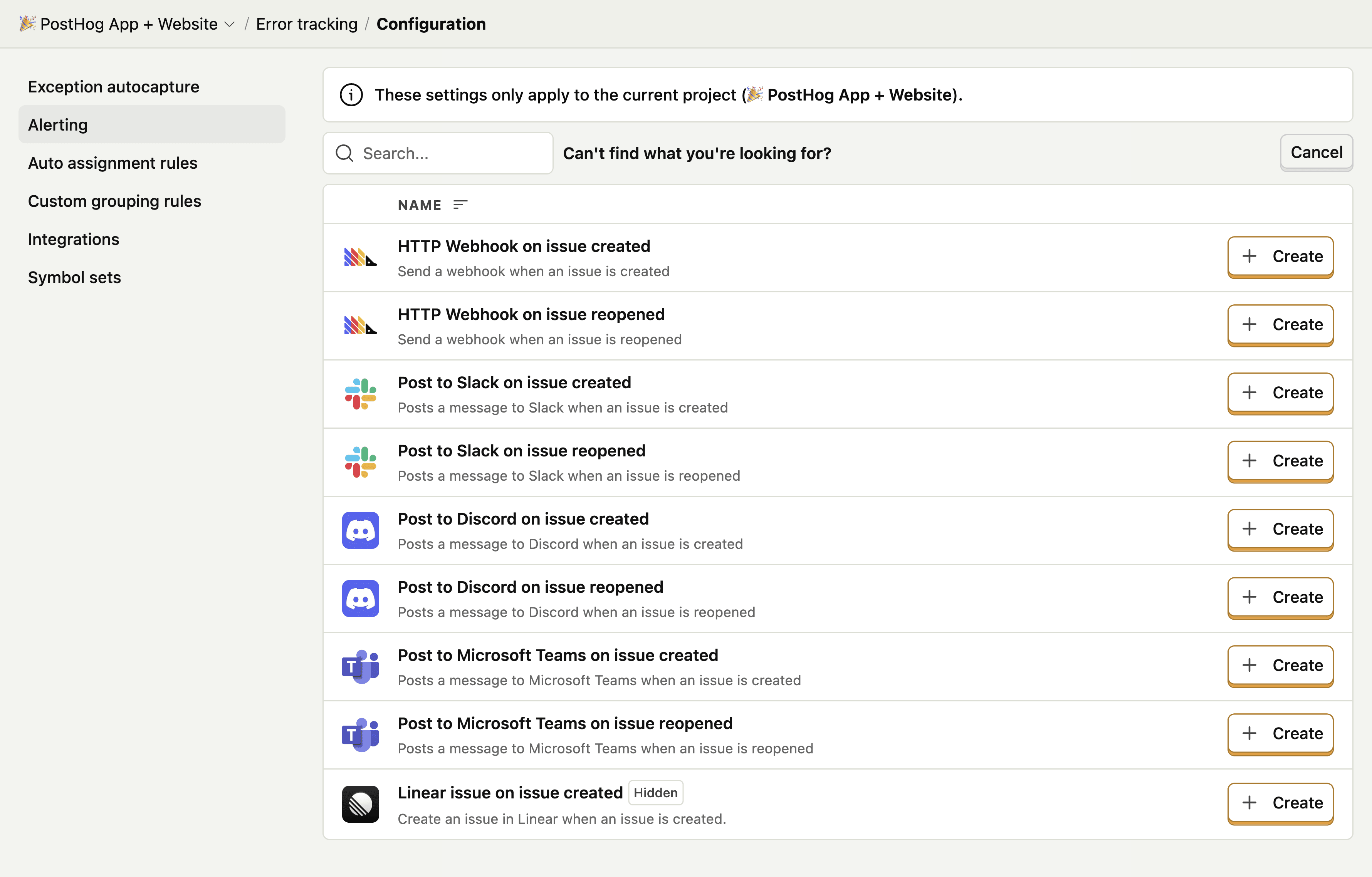
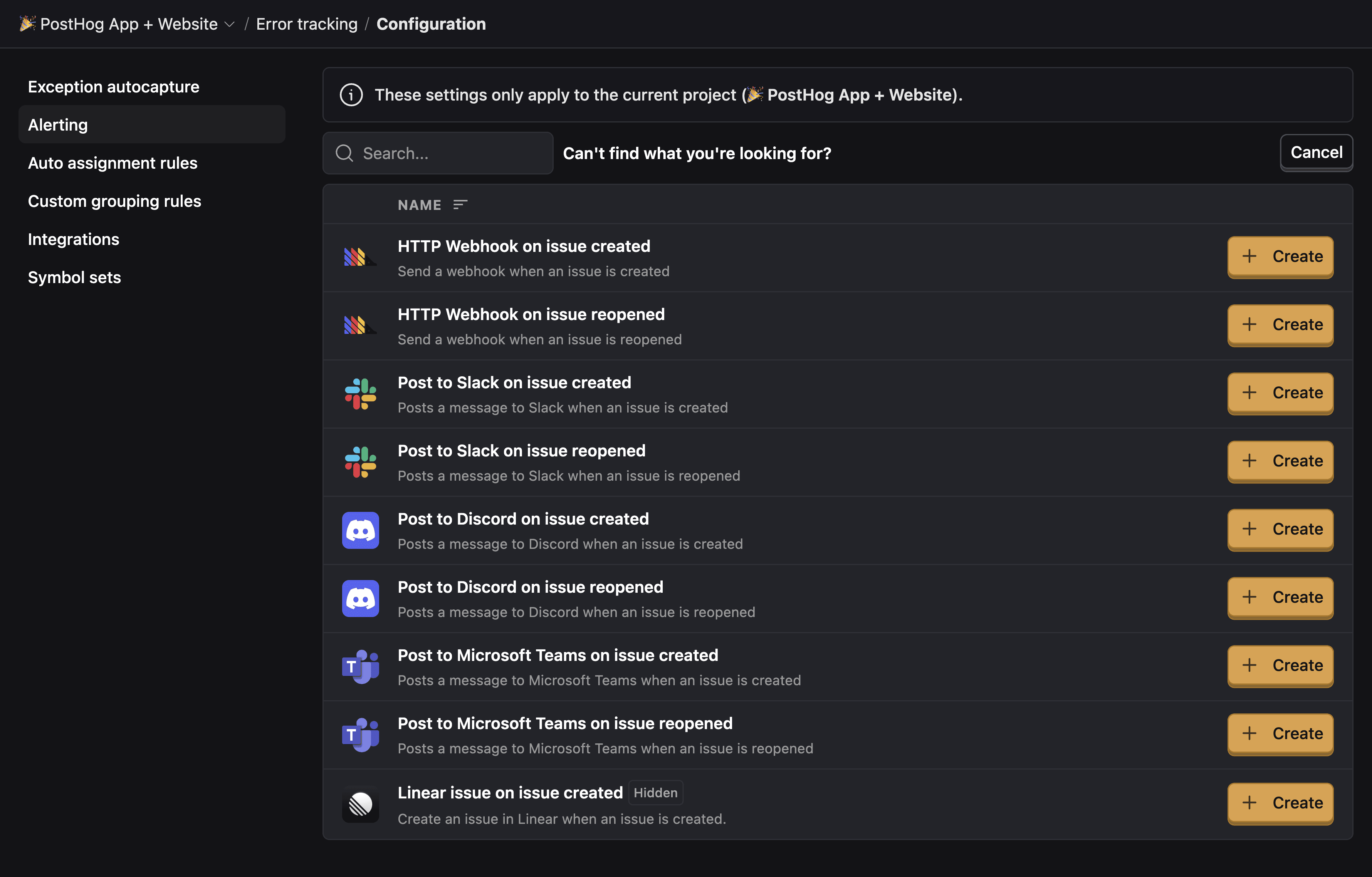
Choosing an option brings you to a page to configure the alert. This may require setting up the Slack integration or pasting in a webhook URL. Once done, you can test the alert by clicking Test function and then finalize by clicking Create & enable.
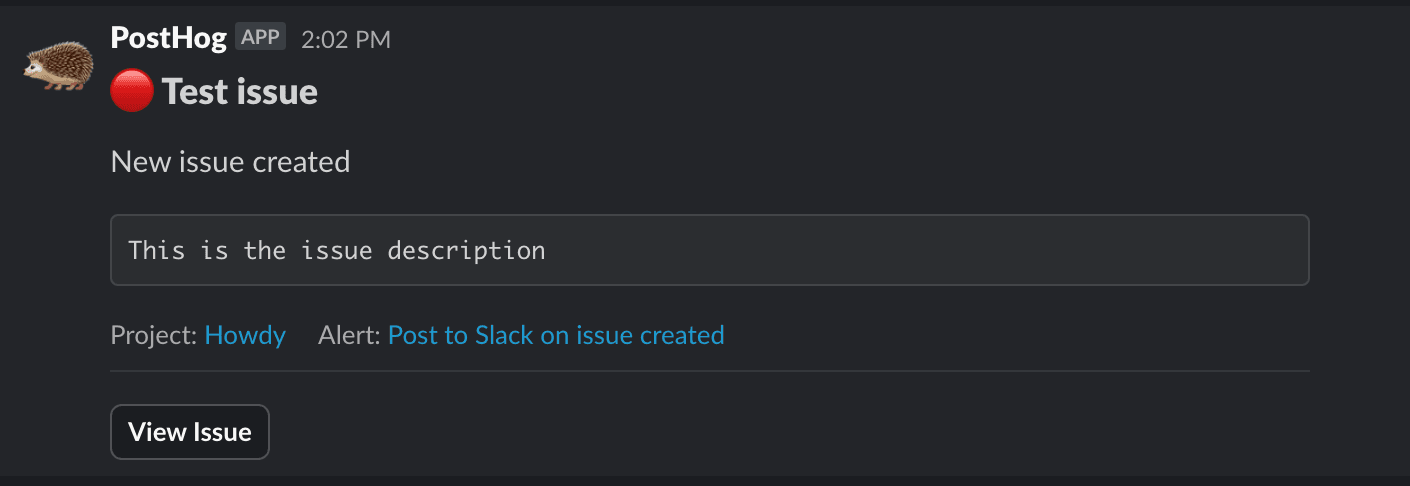
This will then send alerts to your chosen destination when an issue is created or reopened like this:
Issue properties and assignments
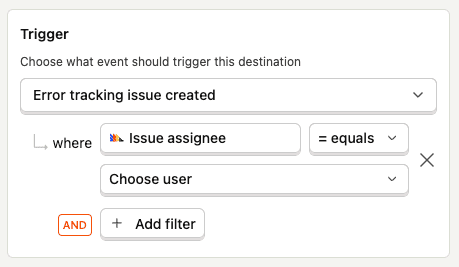
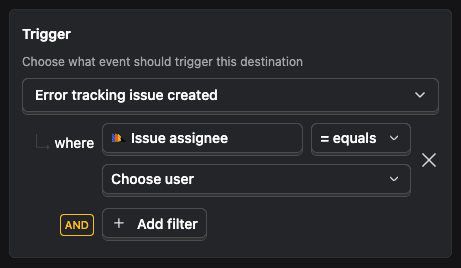
You can filter an alert based on the properties of an issue. This is useful for notifying a specific team when they have been auto assigned an issue using auto assignment rules.
Other alerting options
Since error tracking works by capturing $exception events, PostHog features that trigger by events can play a role in alerts too.
Real time destinations
The first way is using real time destinations. This enables you to send events (like $exception) to other tools as soon as they are ingested.
To create a real time destination, go to the data pipelines tab in PostHog, click + New, and then select Destination. Choose your destination and press + Create.
On the destination creation screen, make sure to add an event matcher for the $exception event, filter for the properties you want, and set the trigger options.
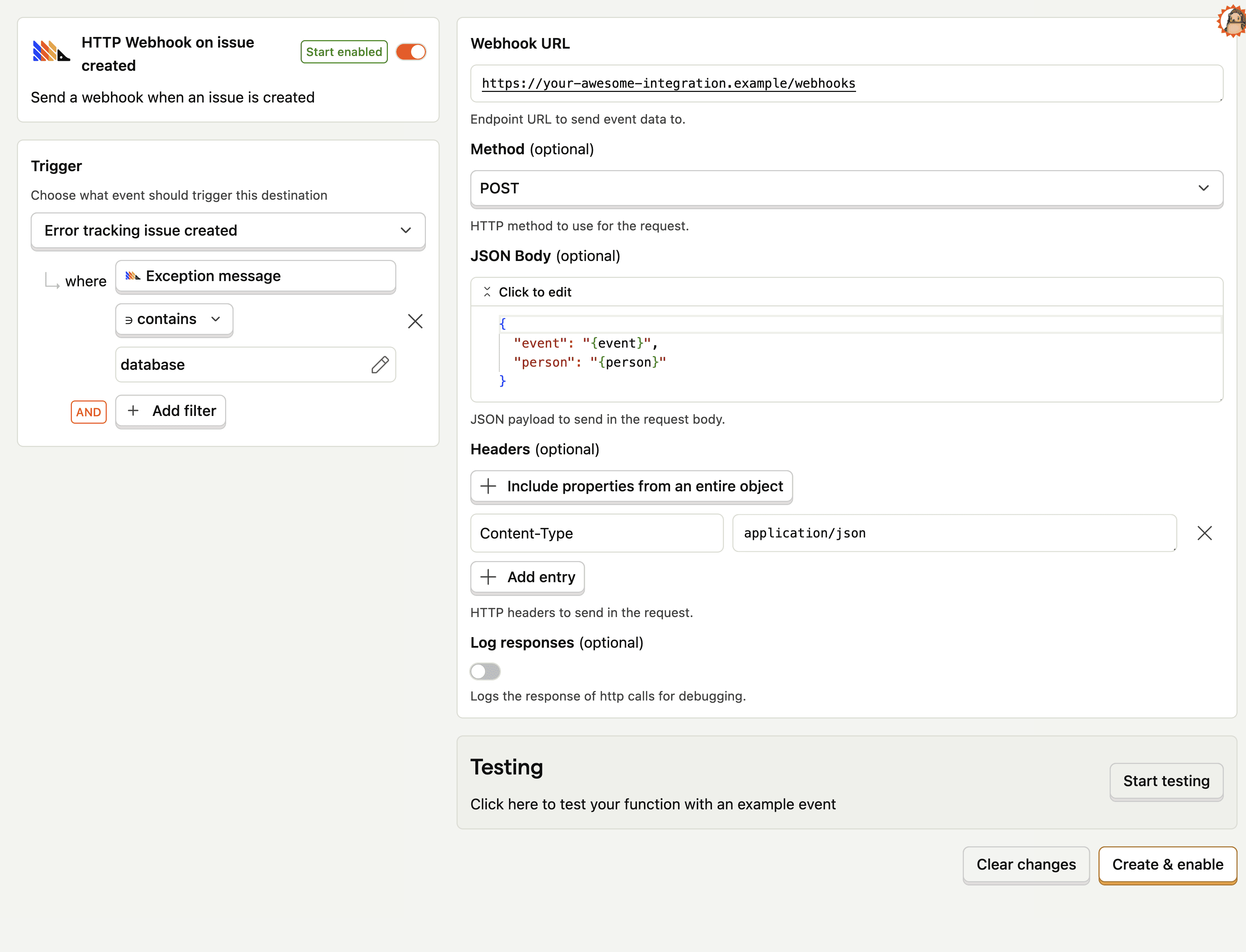
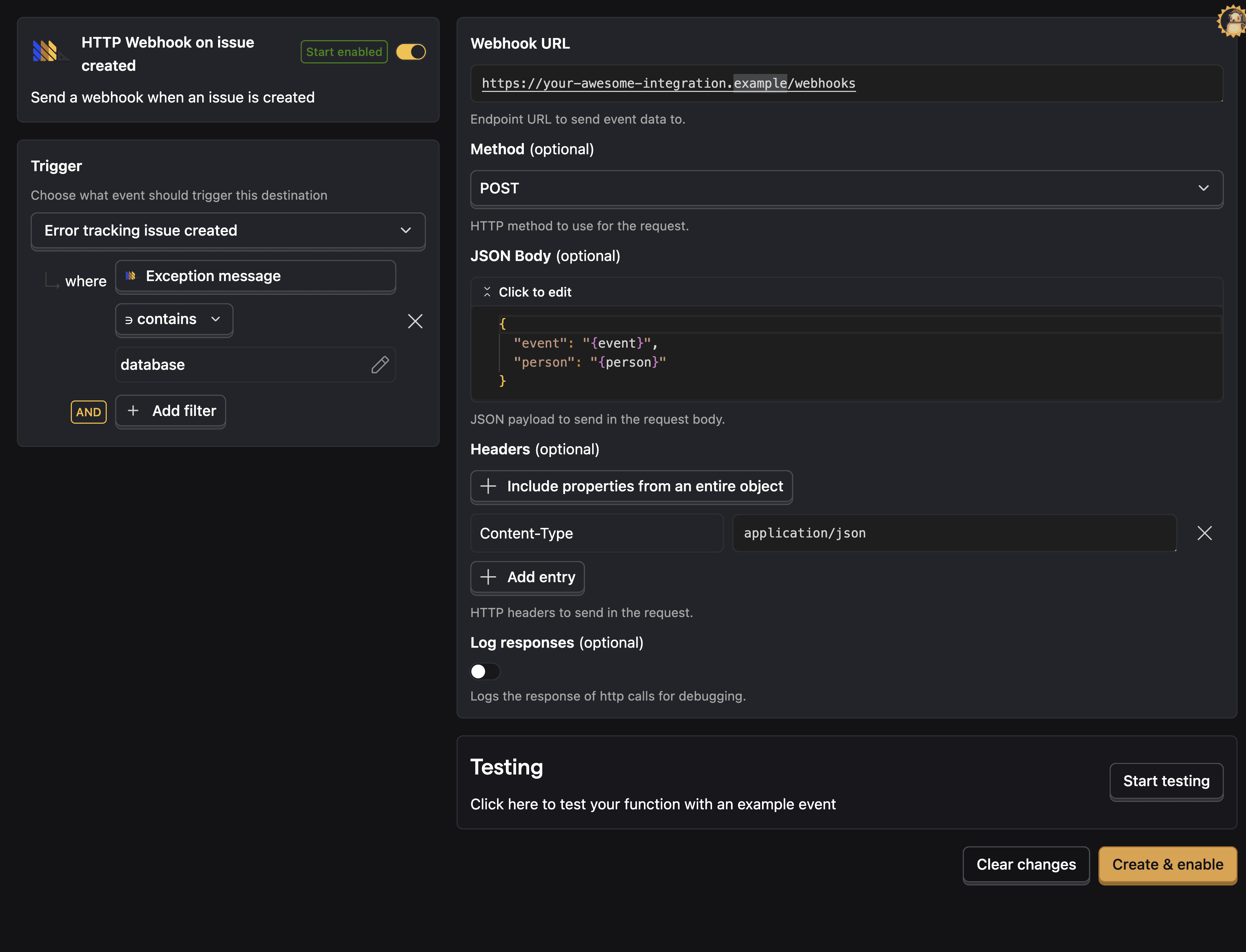
Check out our real time destinations docs for more information.
Trend alerts
You can also visualize your $exception events using trends. Once you create a trend insight, click the Alerts button at the top of the insight and then New alert.
Here you can set alerts for event volume value, increase, or decrease.
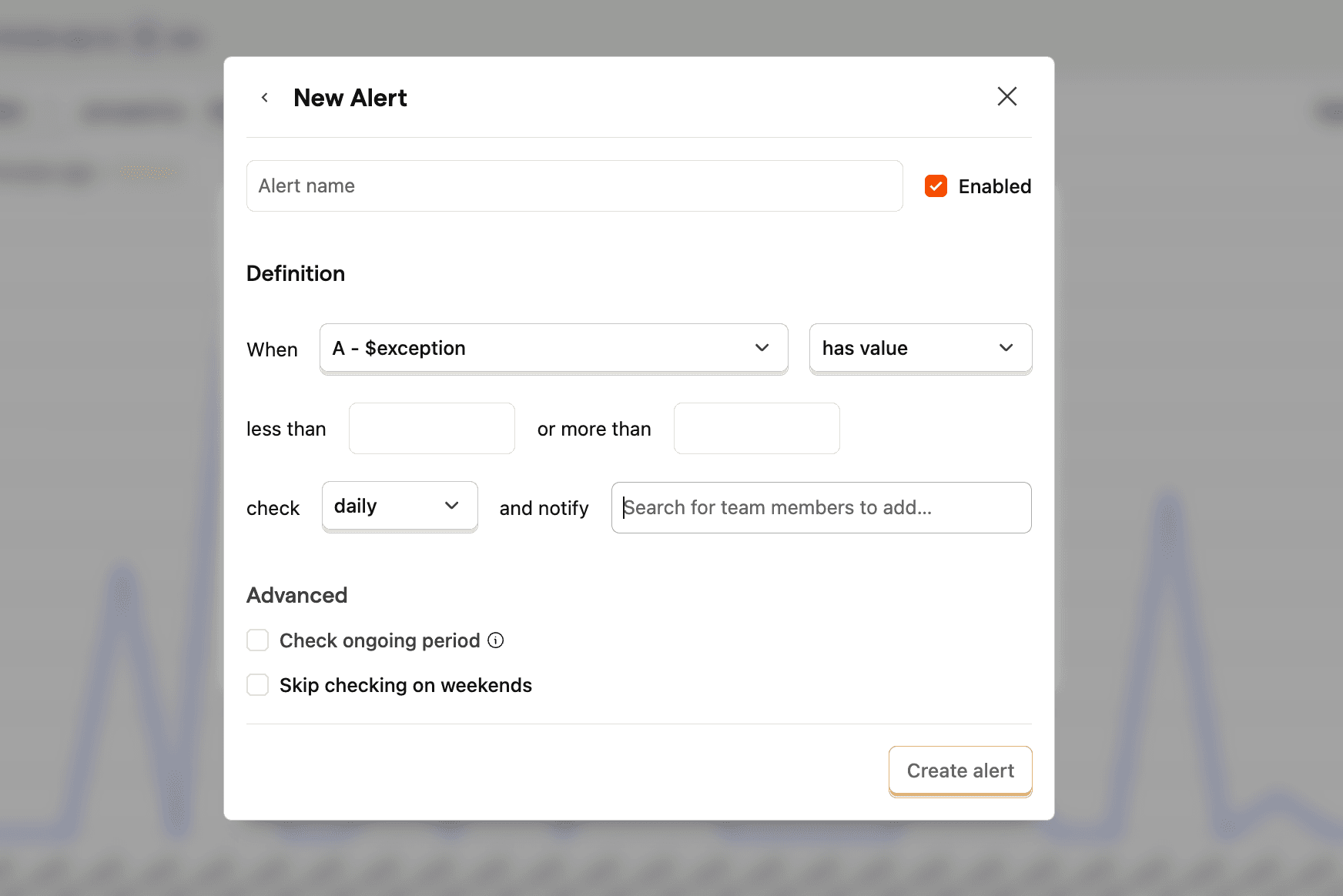
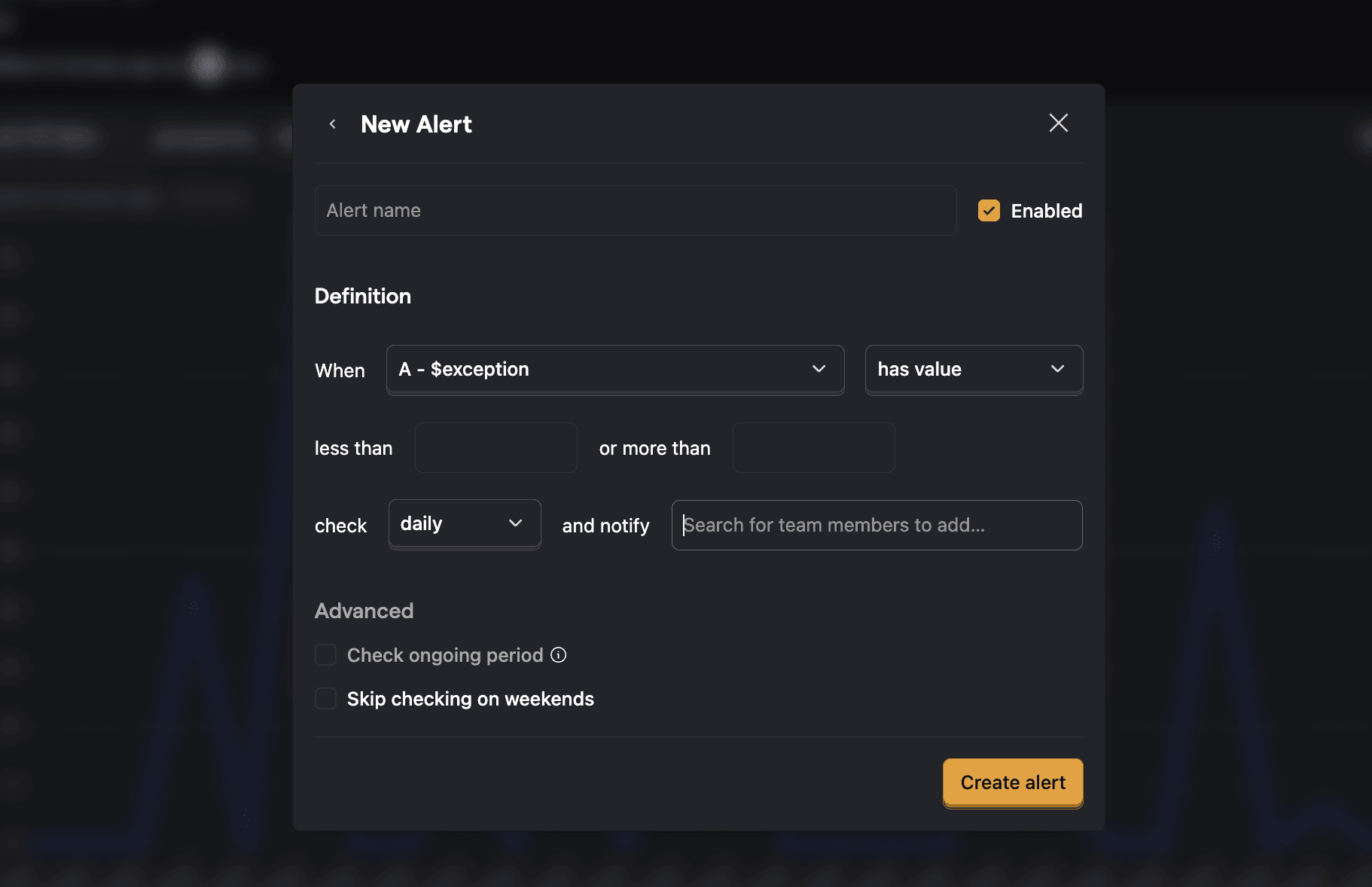
This sends an email notification to the user you choose. Check out our alerts docs for more information.
Weekly digest emails
PostHog sends a weekly Error Tracking digest email every Monday with a summary of exceptions across your projects. You receive one email per organization, with a section for each enabled project showing exception counts, top issues, and week-over-week trends.
You can configure which projects to include in the digest under Account > Notifications. If you haven't selected any projects, PostHog automatically picks the one with the most exceptions on the first digest run. You can override this by selecting projects manually.
If you'd like a destination to be added that we don't yet support, let us know in-app.